Configuration Guides
These guides focus on configuration and privacy settings, not technical implementation. For technical integration guides (code implementation), see TPP Integration Guides →
A Third Party Provider (TPP) – also called a technology provider or data receiver – is any external provider of a tool or service that you use to operate your website. Many websites rely on such third-party tools. With our configuration guides, we help you choose the right tool for you in just a few steps and configure it so that you achieve the optimal balance between technical functions and privacy risks aka consent rate.
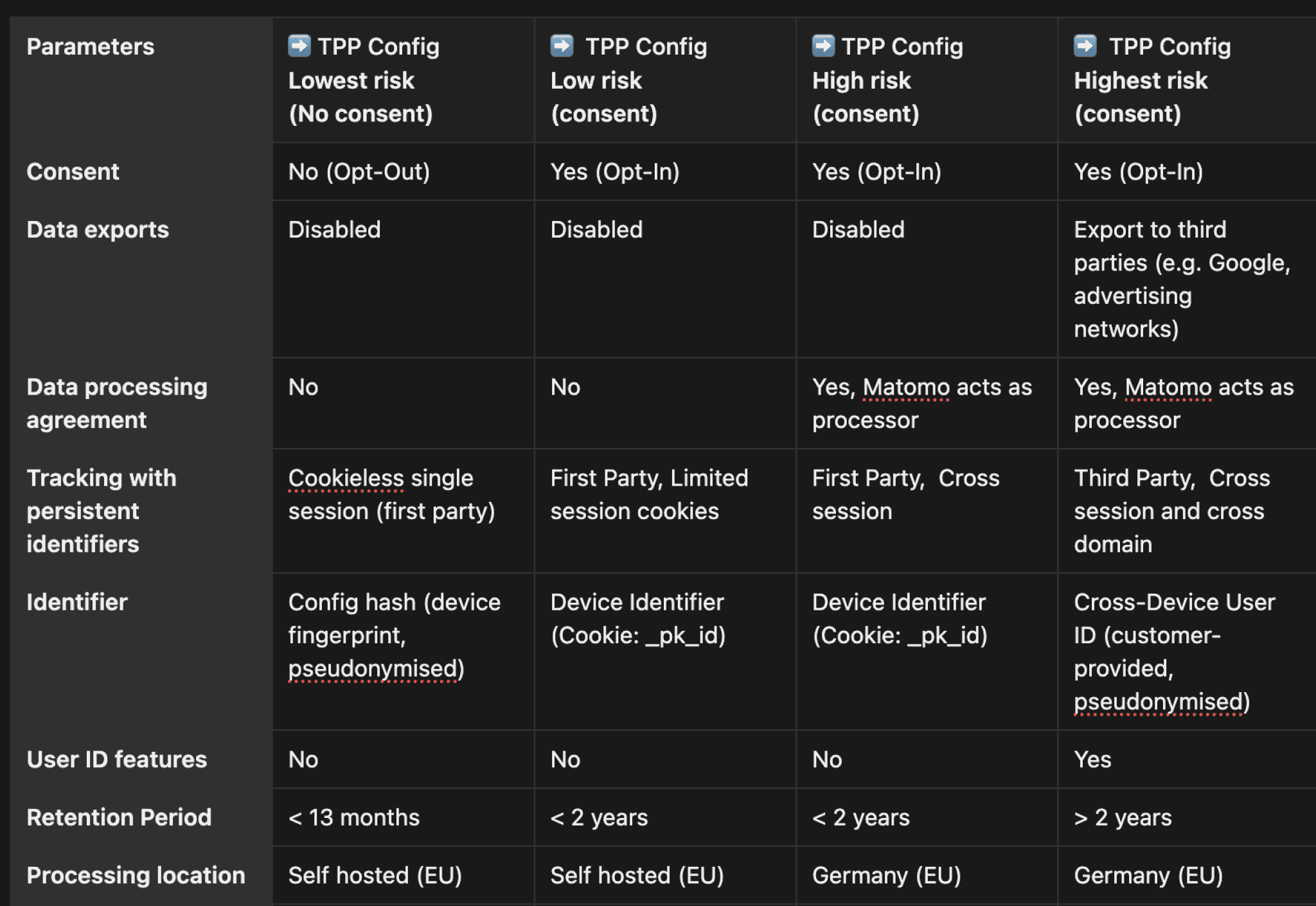
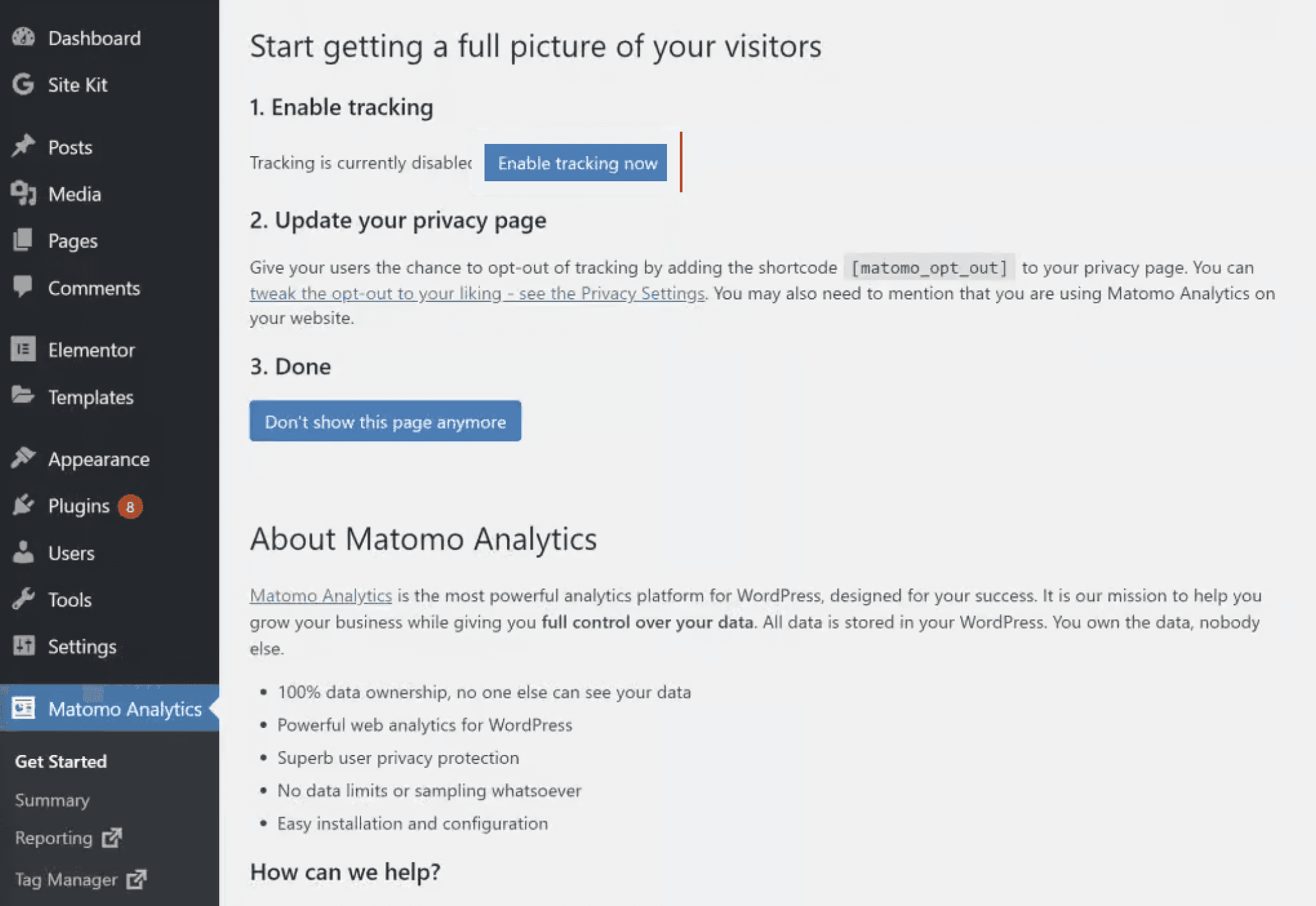
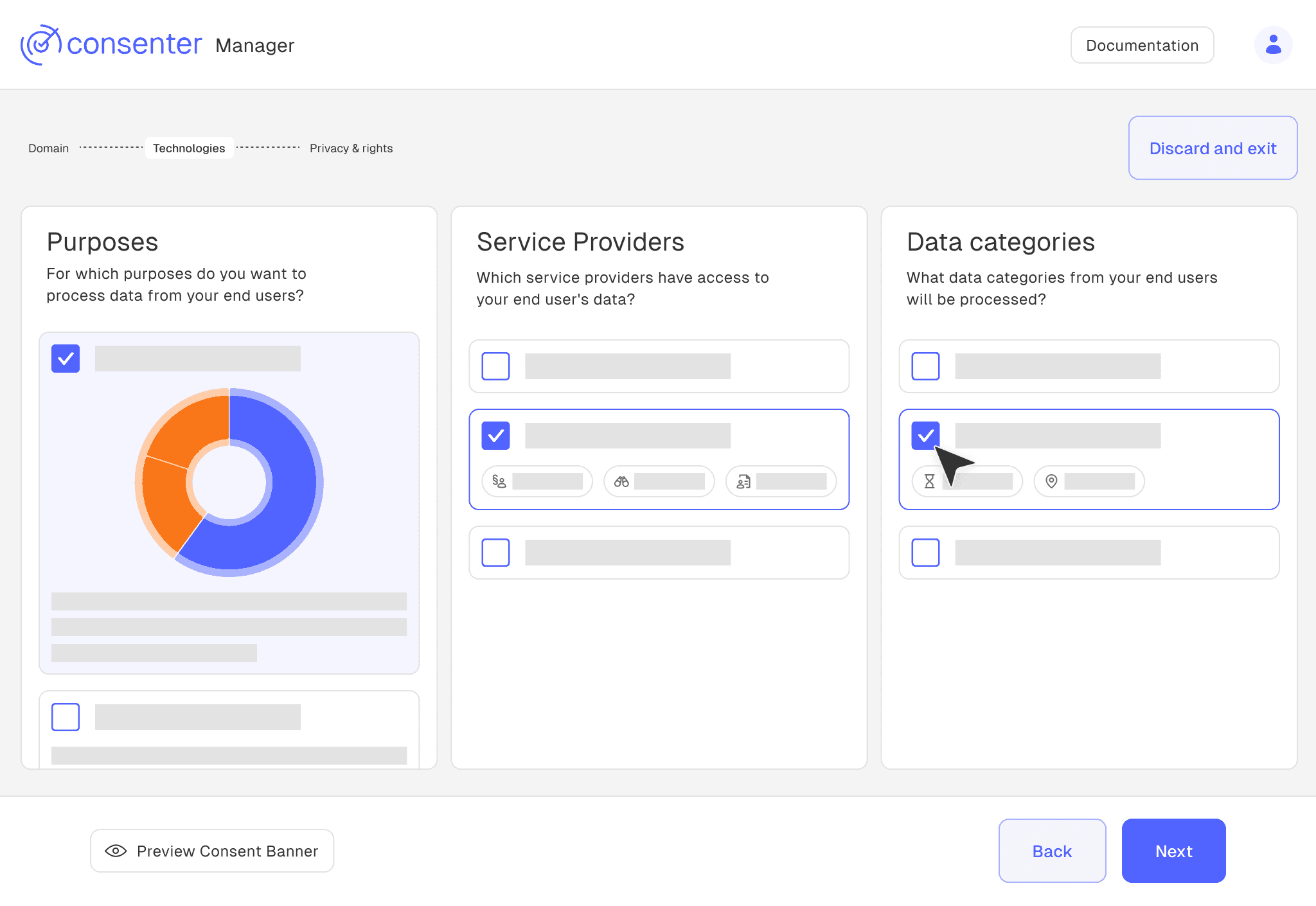
Important: The vast majority of website operators simply use the pre-configuration without changing it. However, many pre-configurations pose unnecessary data protection risks for your users because more functions are usually activated than you really need. So you should definitely take the time to configure the tool according to your needs. We will help you find the optimal balance between the functionalities you need and the risks to your users' privacy.
Third Party Providers
Following guides help you configure TPPs in their respective applications and map those configurations in Consenter Manager.
If you do not use a third-party tool but implement certain technical processes yourself, you must still provide certain information in your consent banner.
Matomo
eTracker
Google Analytics (GA4)
Hotjar
Google Maps
Open Street Maps (OSM)
YouTube
X (formerly Twitter)
Ignite
Optimizely
Criteo
Some features require more access to user data. That's fine if you actually need the feature. It becomes a problem when unnecessary features stay enabled, because you'll collect more data than required. This goes against the GDPR principle of data minimisation (Art. 5(1)(c) GDPR). Our guides help you find the right balance.
Read Consenter risk assessment →
How is this guide?
Last updated on